
Have your eyes thanking you by knowing how to use WhatsApp dark mode when you’re chatting away late at night.
A new WhatsApp feature makes the app easier to see in poorly lit surroundings, and knowing how to switch on dark mode can help prevent you from having to strain your eyes.
Considering that the WhatsApp is currently one of the most used apps around, this should help serial-texters a great deal.
Below is the step-by-step guide to the entire process on how to use WhatsApp dark mode on Android, iOS and desktop.
How to use WhatsApp dark mode on Android
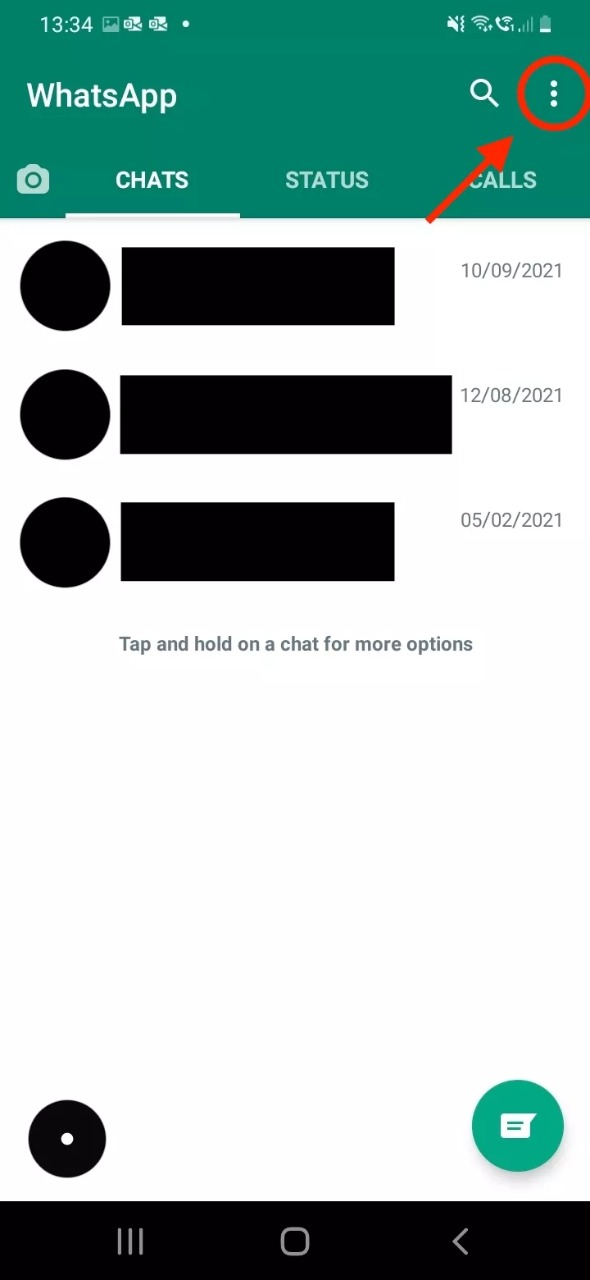
Tap the three dots in the upper-right corner of your screen.
Tap on Settings
Tap